
Point of Sale
Fast and easy checkout
Simple, easy-to-use POS para sa sari‑sari stores, cafés, restaurants, at iba pang negosyo. Ring up sales, track stock, and see what you earn.
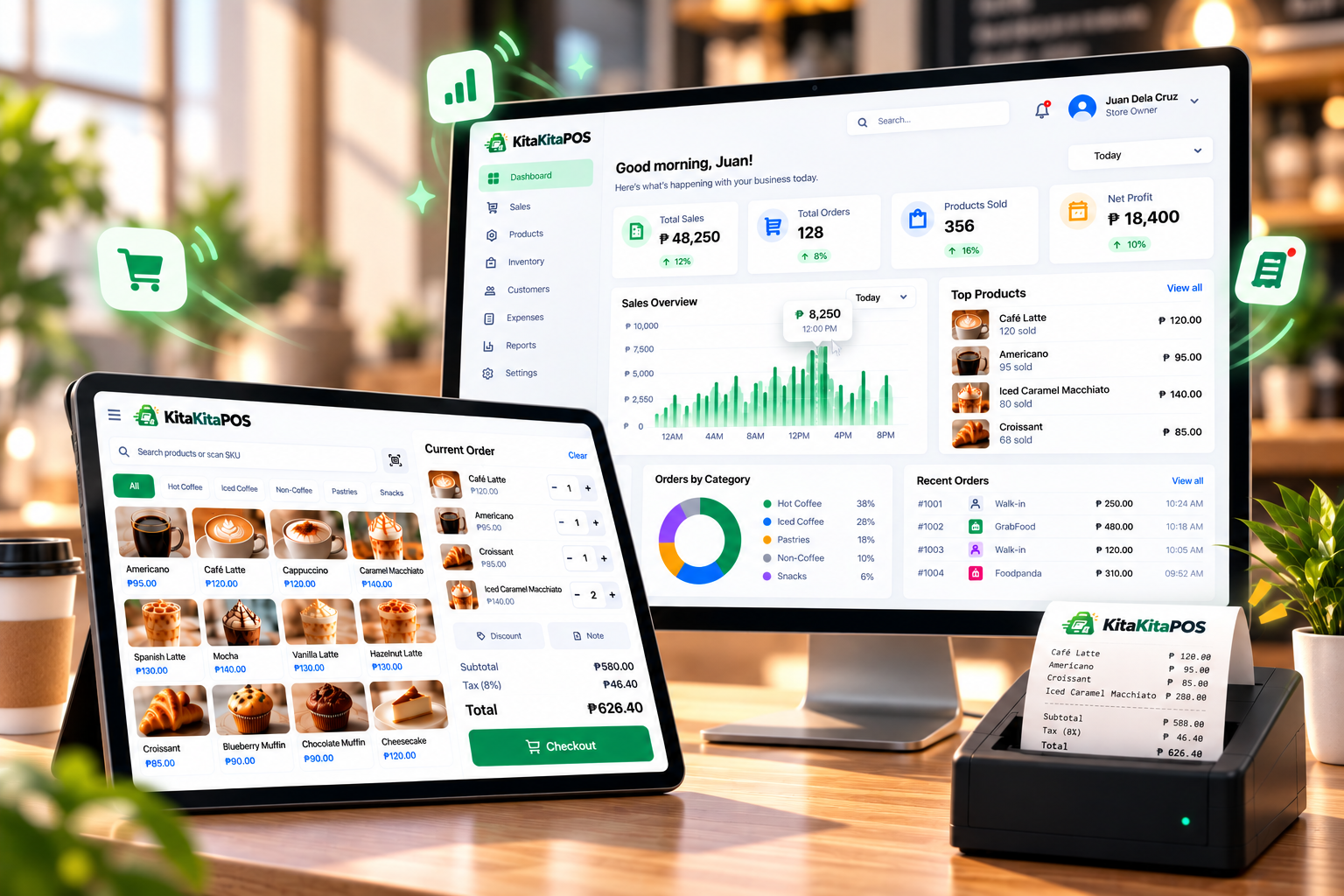
Perfect for any businessSari-sari stores, restaurants, retail shops, and more
Fast and easy to useStart selling in minutes
Track your salesSee your kita in real-time
Works offlineKeep selling even without internet
This is the real KitaKitaPOS running in your browser. Sample data only — anything you add stays on your device.
KitaKitaPOS comes with powerful features to help you manage your sales, inventory, and customers in one simple system.
Fast and easy checkout
Keep track of your products
Monitor your kita anytime
Build loyalty with your customers
Manage your business expenses
Manage one or multiple branches
Keep selling even without internet
Regular updates and new features
No server, no complicated setup.
Create categories and products. The app starts empty, so it's yours from day one.
Tap items, pick a customer, apply a discount, and charge. Stock updates automatically.
Check the Orders screen to see every sale and know exactly what you earned.
“Kita mo ang kita mo.”
Kita means both “to see” and “income / earnings”. The name and tagline say it plainly: you can see and track your sales clearly.
Download KitaKitaPOS and start selling — no cost to get started.
No. Your catalog, orders and stock live in a local database on your device, so it keeps working offline.
Yes. Each order stores the product name and price at the time of sale, so past orders stay accurate.
Products and categories are archived, not erased. You can restore them any time with "Show archived".
Get in touch with the author at marklibres.site.
Free, safe, and easy to install. Pick your device and start managing your business now.
Also on the way: macOS · Linux · Web version